A missing link in digital care.
The challenge
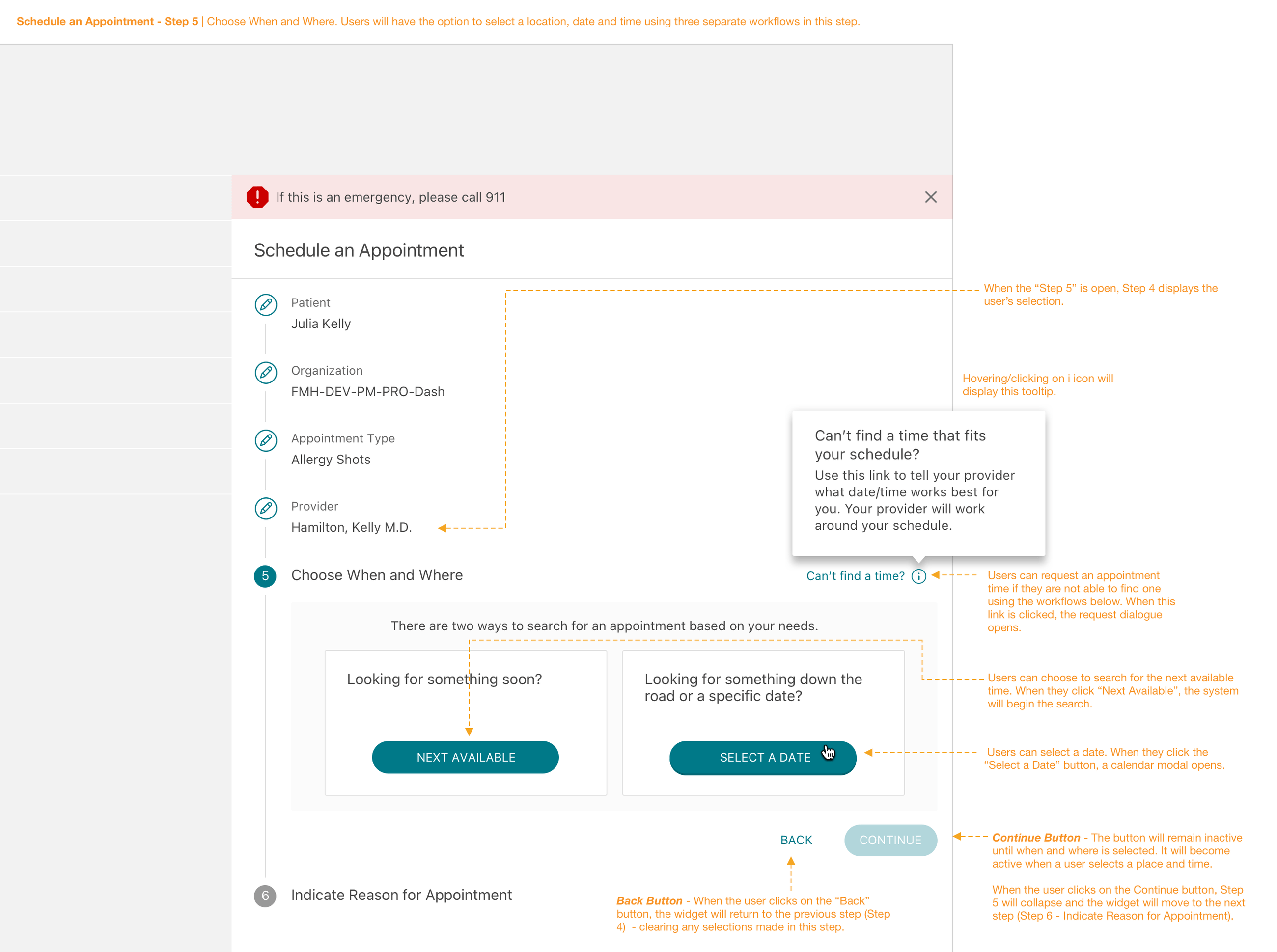
Patients could request an appointment, but not actually schedule one online.
The opportunity
Bring the clarity of consumer booking to a complex healthcare ecosystem.
The outcome
A validated end-to-end scheduling experience built around real patient needs.
Scheduling was still an administrative handoff.
In 2016, patients could state their preferences and wait while an administrator worked in a separate scheduling system, then followed up to confirm.
The task was ordinary in travel and retail, yet difficult in healthcare: care type, provider, location, availability, and legacy infrastructure all had to work together.
How might a patient confidently choose care and leave with a confirmed appointment?
 Balancing Barbara(Chief Health Officer Mom)
 Caring Carl
 Enduring Erica
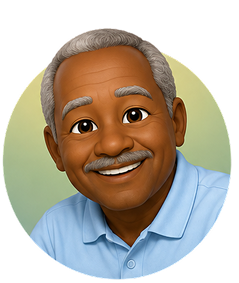 Retired Ralph
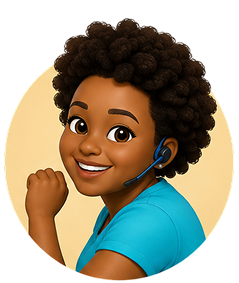 Assistant Ava
Design from the person making care happen.
For most FollowMyHealth experiences, one persona consistently carried the greatest burden: Chief Health Officer Mom. She wasn’t just managing her own health—she was often coordinating care for an entire family. I led primary and secondary research to understand her needs, behaviors, motivations, and frustrations, then translated those insights into a persona framework the team could use to make product decisions. But healthcare rarely has a single user. We organized the personas by their relationship to the experience, giving us a way to prioritize without designing only for the “average” patient.
Design for the person carrying the load.
Turning the conversation into a confident path.
Patients already knew how to schedule by phone. Mapping the questions, reassurances, and branching decisions in that exchange created a blueprint for the digital experience.
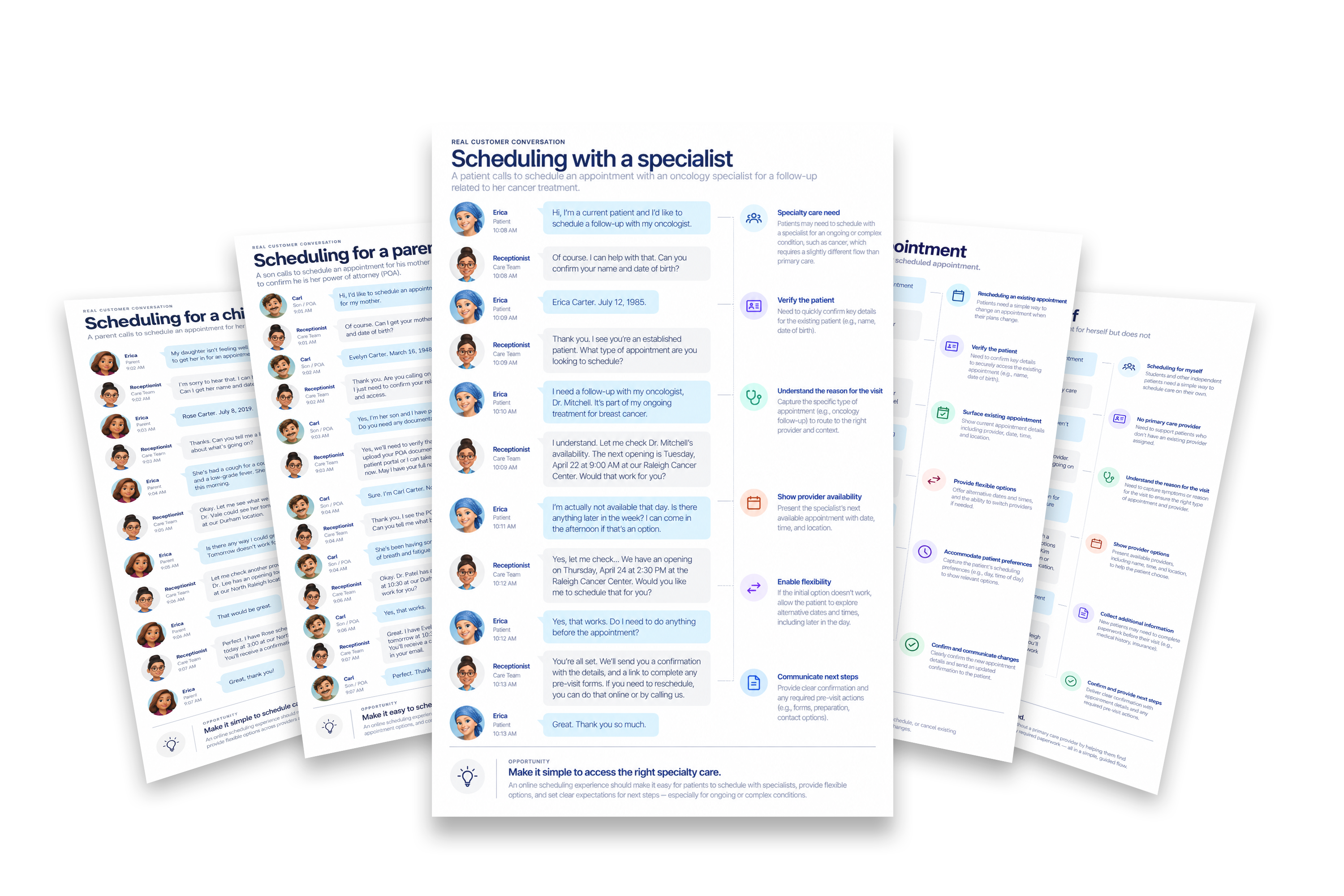
Scheduling for a child
A parent calls to schedule an appointment for her daughter who isn't feeling well.

Working around system limitations
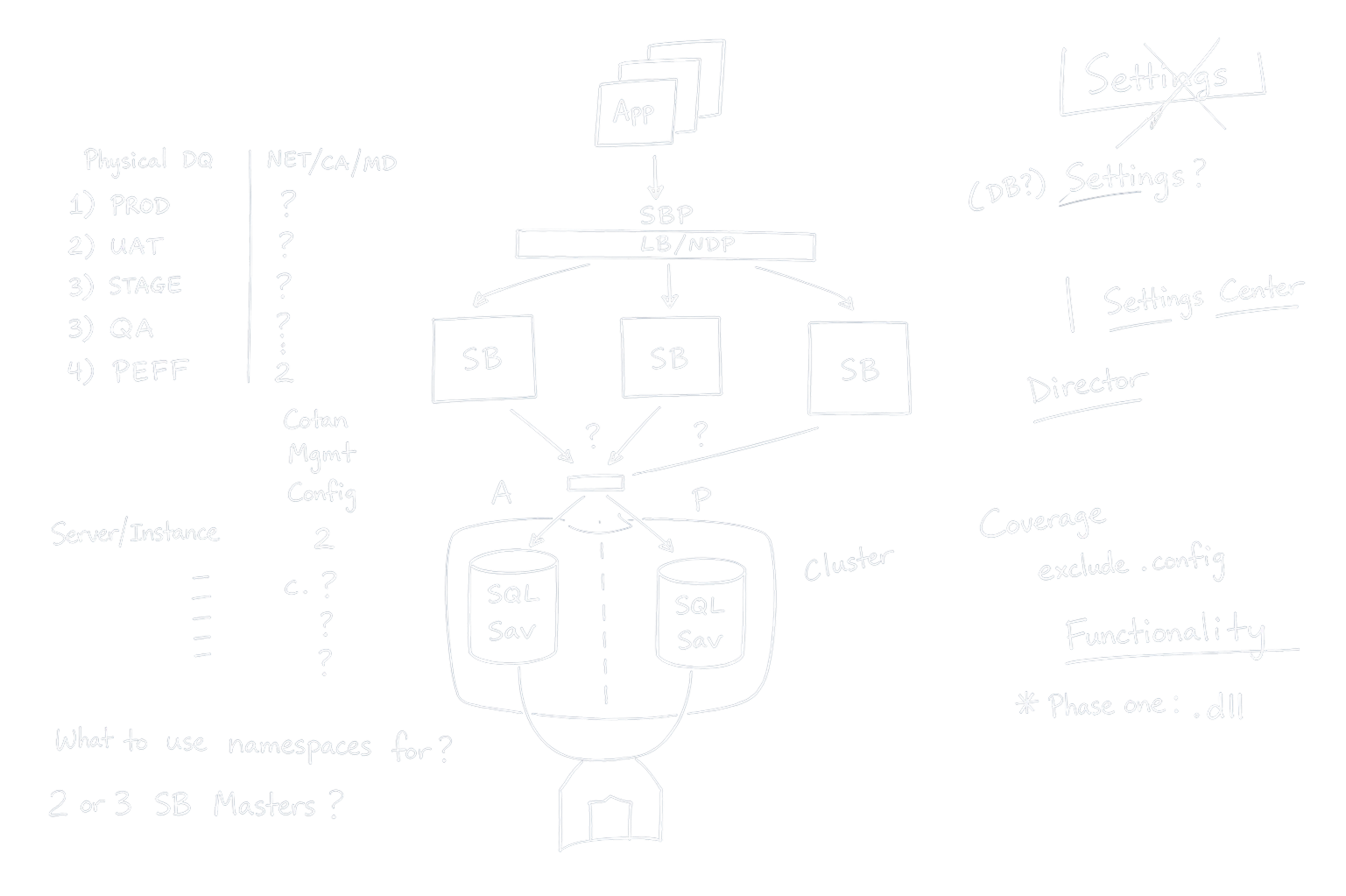
Explore the sequence before designing the screens.
I brought product and engineering partners into the flow-design work early, surfacing the trade-offs between what patients expect to choose first and what the platform needs to know early.
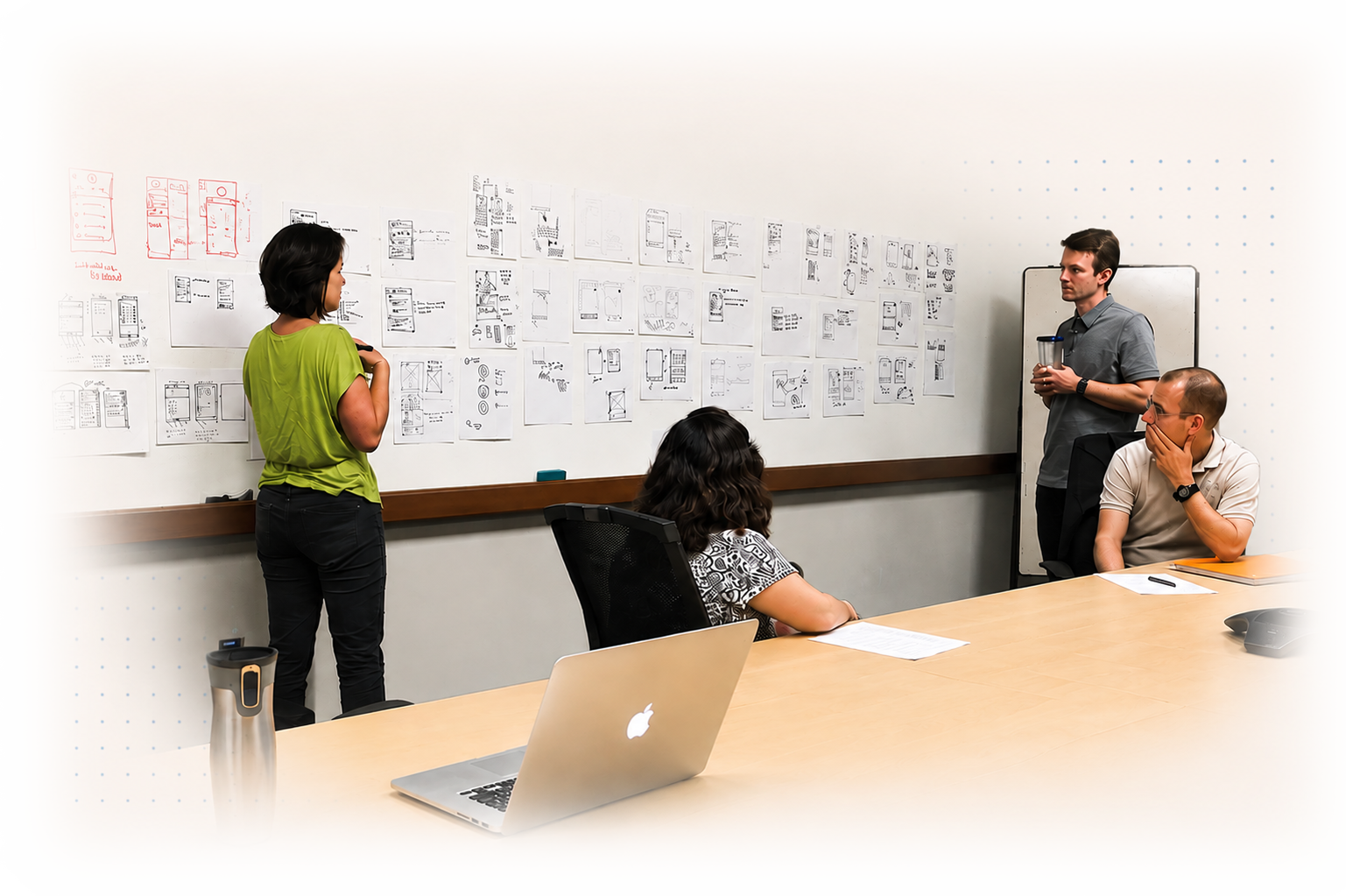
Make usability a shared standard—not a late-stage opinion.
Metric | Minimum Acceptable | Goal | Assessment Tool |
|---|---|---|---|
Meets accessibility standards | AA | AA plus some level of AAA | Expert review |
User can easily schedule an appointment | 85% of users can complete with no help | 95% of users can complete with no help | Usability test |
User evaluates scheduling an appointment as easy | 5 on a 1 – 7 scale | 6 on a 1 – 7 scale | Survey |
User can easily schedule an appointment on behalf of proxy | 5 on a 1 – 7 scale | 6 on a 1 – 7 scale | Survey |
User evaluates overall UX | SUS score of 70 | SUS score of 90 | SUS |
User would recommend feature to a friend | Above 0 | Above 50 | NPS |
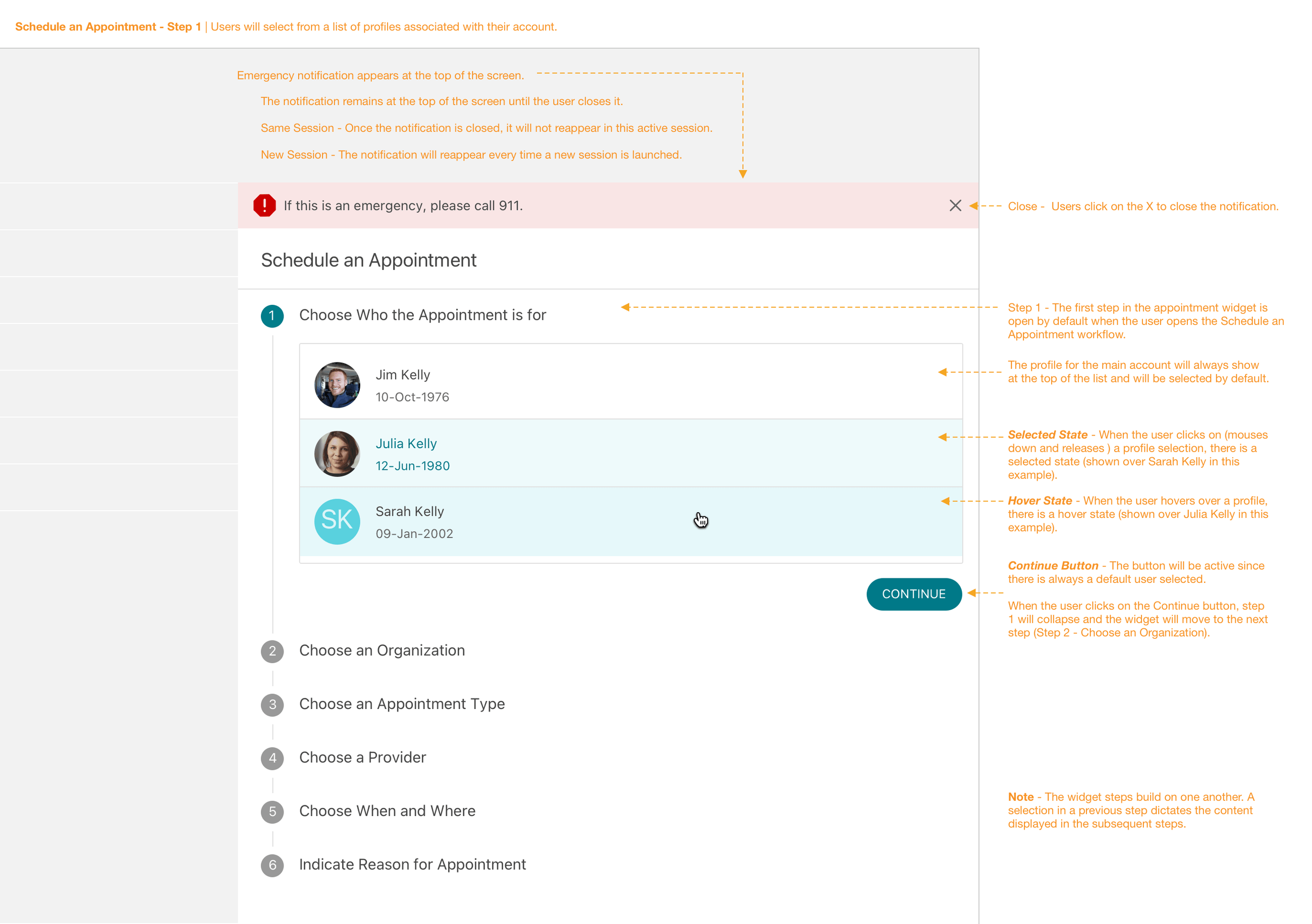
Begin with the question a patient already has.
The flow starts with patient intent, using familiar care language before asking people to navigate a complex healthcare system.
Capture the highest-value constraint without front-loading complexity.
Test the full experience before it reaches patients.
Highly interactive prototypes made it possible to evaluate the appointment flow in context, then refine the experience with direct patient feedback.
The flow held up when people—not the team—used it.
Care type needs to come first.
Starting with a patient’s reason for visiting gave the rest of the path a clear, understandable frame.
Confirmation is part of the task.
Patients needed an explicit recap of the appointment details to feel certain the booking was complete.

An appointment only works when the system behind it does.
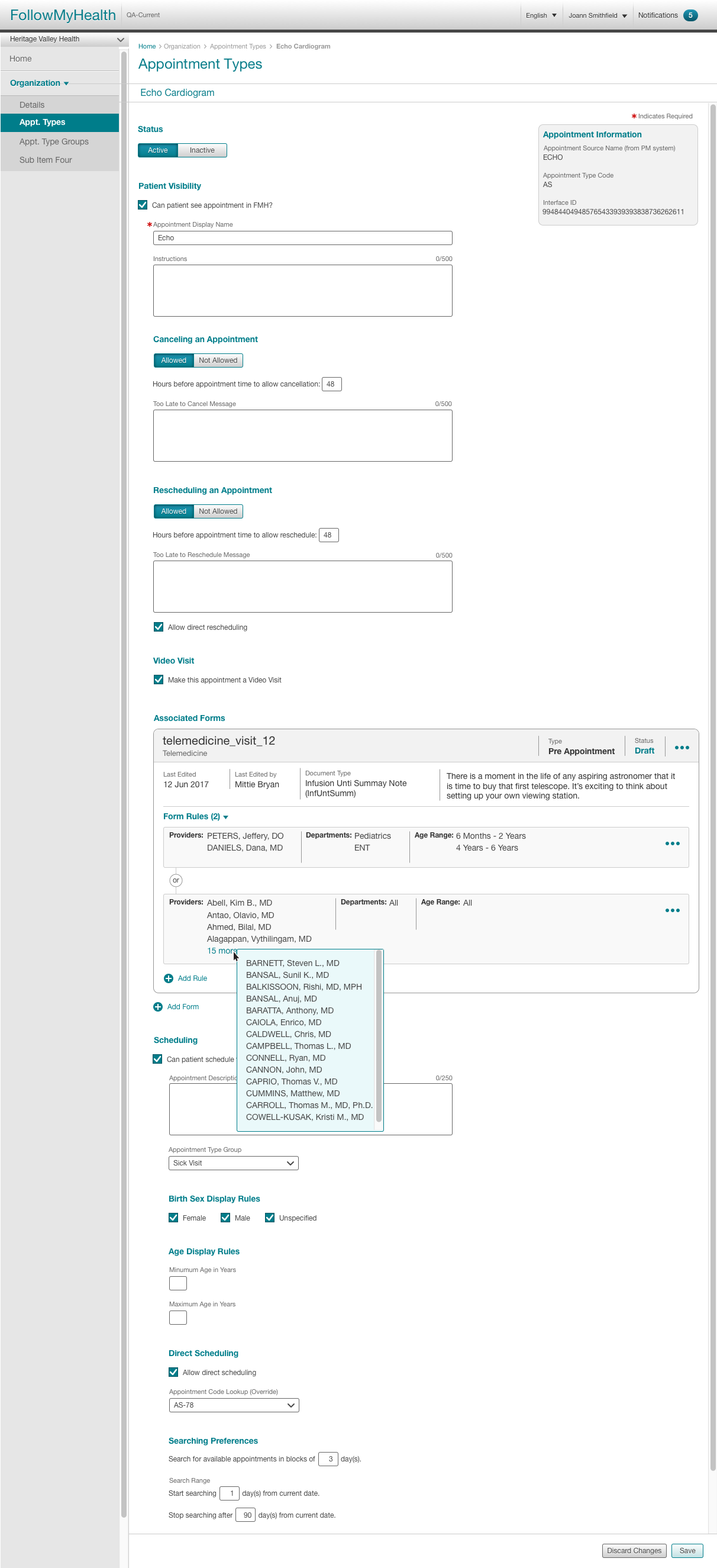
The booking flow depended on accurate appointment setup behind the scenes. I designed the administrative experience so health-system teams could configure the providers, locations, availability, and instructions patients relied on when scheduling care.